Rather than a storage connector, that connects to a GCP or S3 bucket for example, a DB2 connector is referred to as a database connector. Currently, the Oracle connector is supported for the creation of platform, tabular assets and cannot be used as an export location.
Pre-requisites
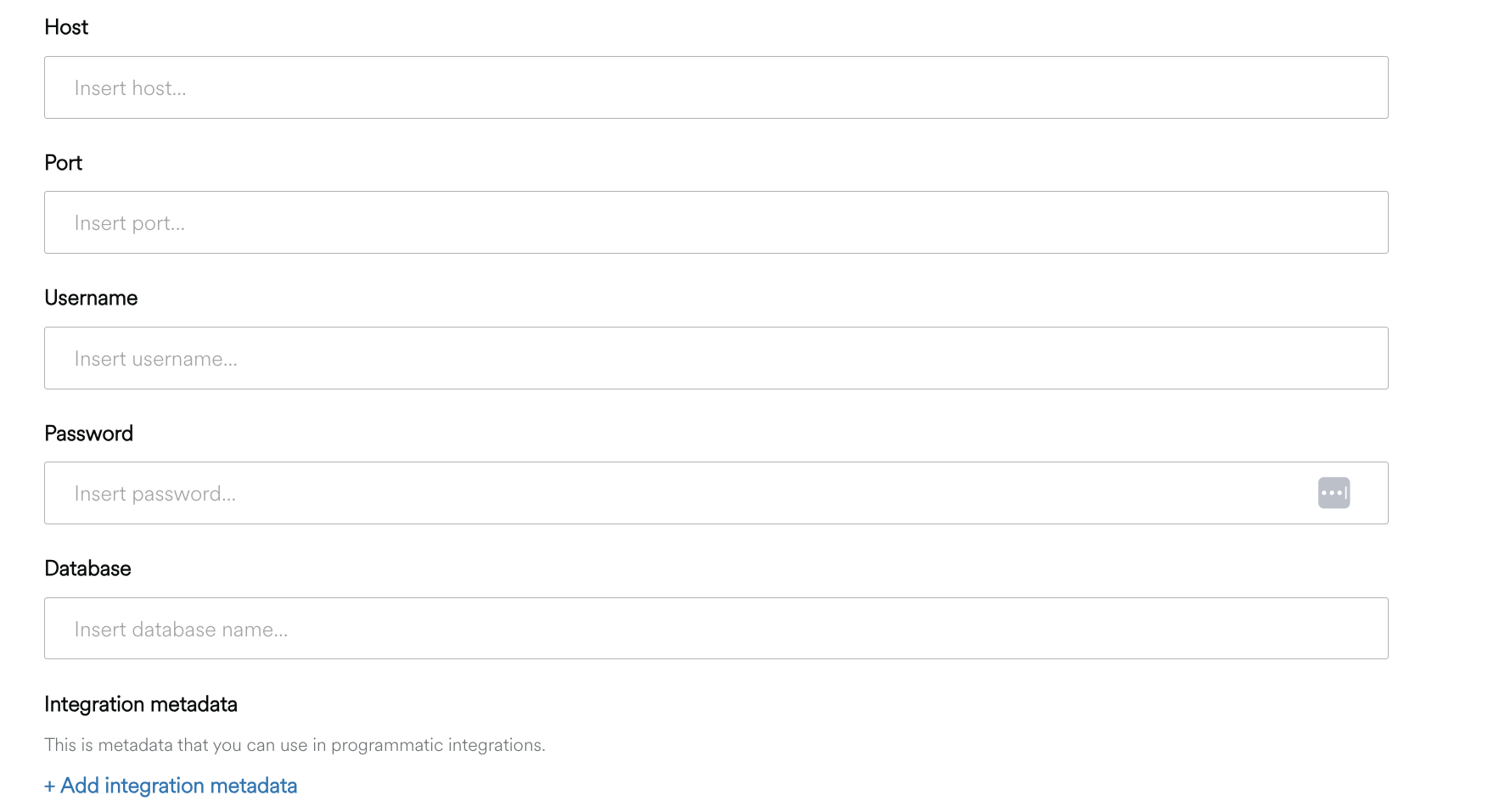
To connect your Oracle database , you need:
-
Your database host's IP (e.g.,
1.1.1.2) or domain (e.g.,my.server.com) -
Your database's port
-
A user created for accessing the required data (input username and password)
-
Database name with the following minimum Role/Permission:
-
SELECTon target tables -
SELECTon SYSCAT views
-
Create the Connector
-
Click Manage on the Navigation bar.
-
Select Connectors to view the Manage Connectors screen
-
Click the Create Connector button at the top right
-
Enter a Name for your Connector and a Description (optional)
-
Choose Type > DB2
-
Add any Integration Metadata needed for programmatic integration.
-
Click Create. Connection test will run and if successful, will show Connection Test Status as Successful.
-
Click Close.