Self-serve plans allows you to complete the consumption journey end-to-end without having to leave the platform.
The following step by step walkthrough takes you through consuming a product via Self-Serve.
1. Locate the Data Product
Navigate to the relevant Data Product page on the platform to view available options.
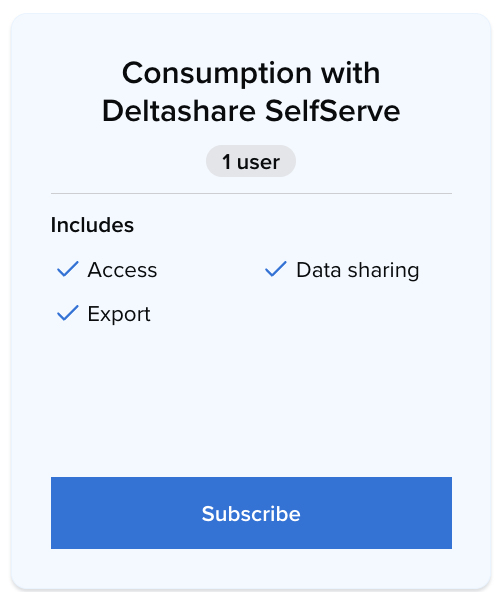
2. Select a Subscription Plan
Review the available plans and choose self-service plan that fits your specific use case.
3. Initiate Subscription
On the selected plan card, click the 'Subscribe' button.
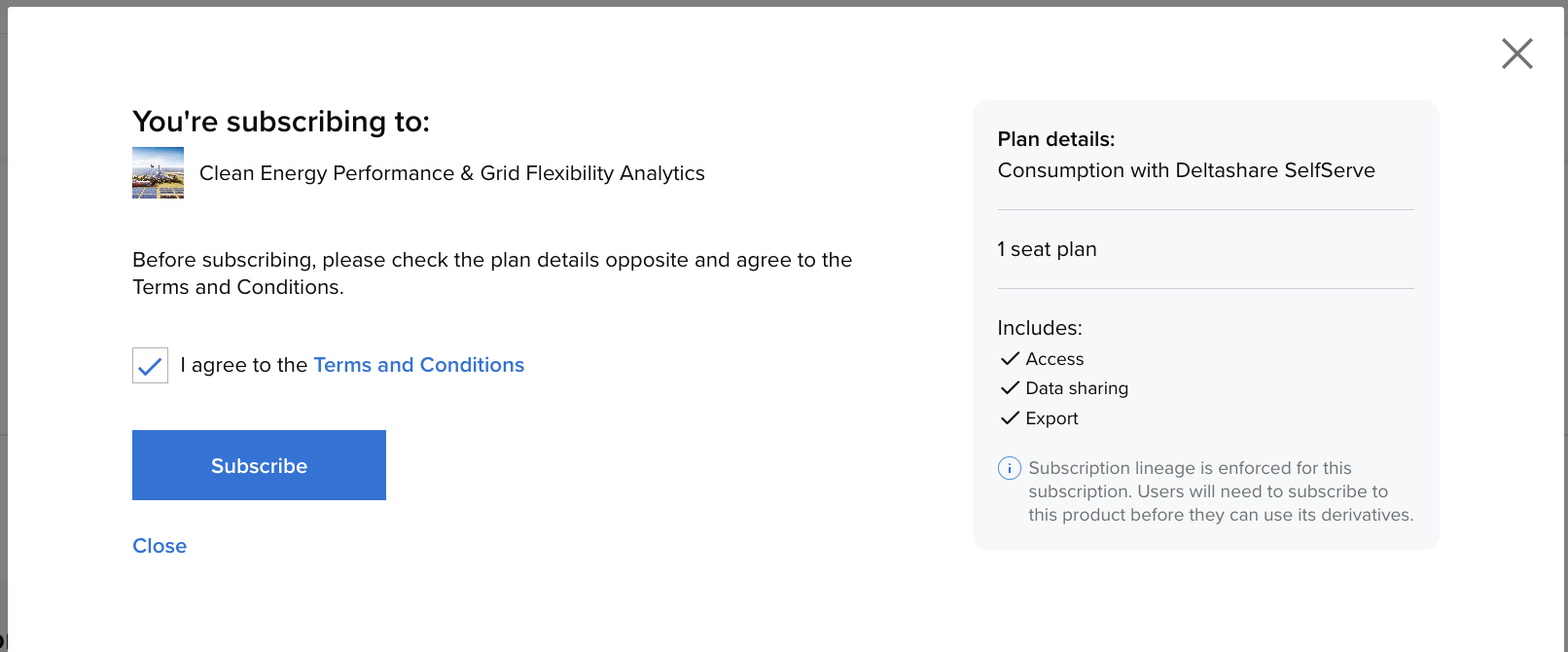
4. Review and Agree to Terms
Once the summary appears:
-
Carefully check the plan details.
-
Agree to the Terms and Conditions.
-
Click 'Subscribe'
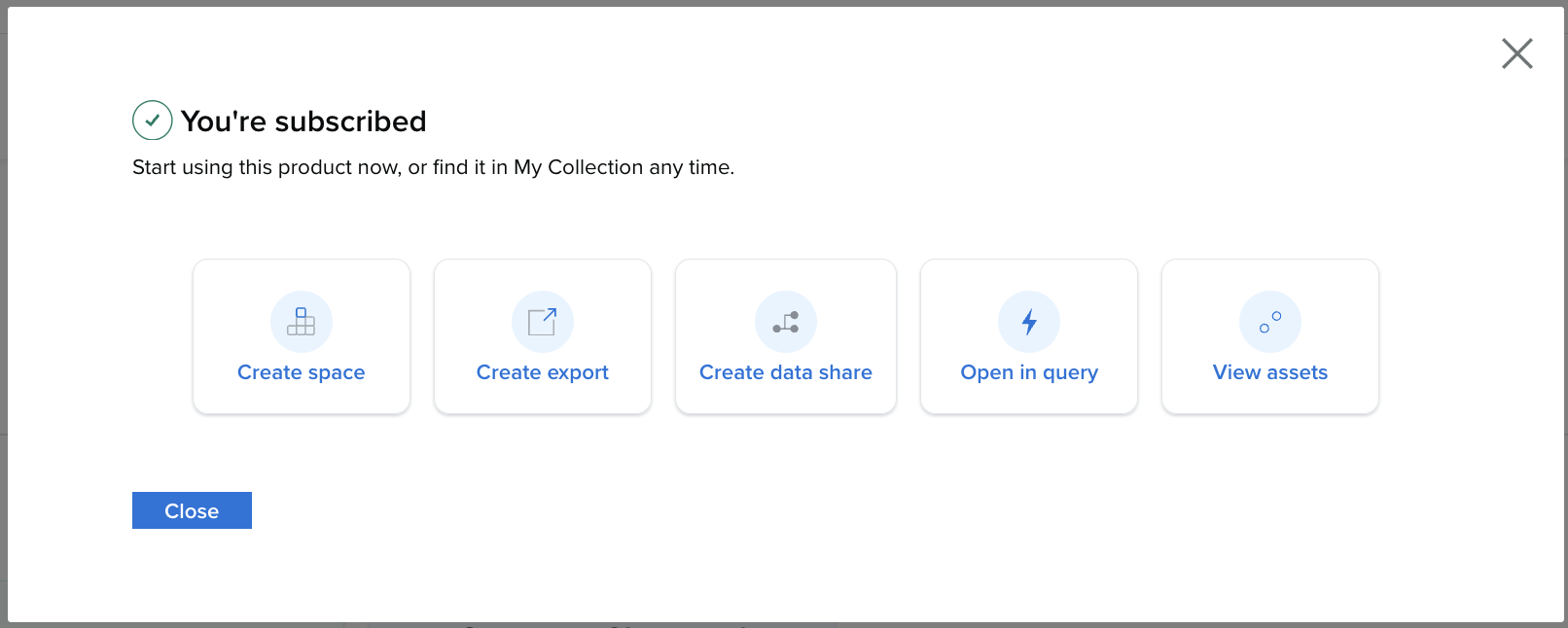
5. Access Your Data
Your subscription will be allocated under your chosen plan, and you can immediately begin gaining insights from your new Data Product.