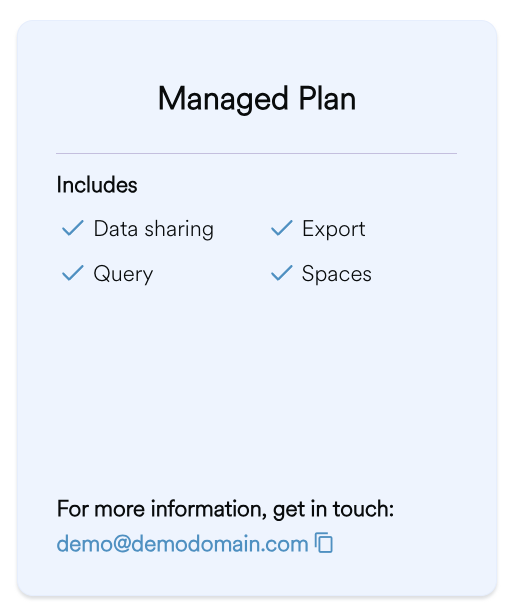
A managed subscription involves the allocation of a subscription by a Product Administrator without an option to self-serve or request using a Plan. Users are prompted to contact Product owners to discuss and request access.
The following step by step walkthrough takes you through consuming a product via Managed Subscription.
1. Locate the Data Product
Navigate to the relevant Data Product page on the platform to view available options.
2. Select a Subscription Plan
Review the available plans and choose plan that fits your specific use case.
3. Contact the Producer
Follow the contact information on the subscription card to discuss your intentions further and to gain more information from the producer.