
What is AI Query?
AI Query is a new asset type that allows a producer to provision access to an existing Databricks Genie Agent, Snowflake Cortex or Microsoft Fabric Agent through the Harbr UI. Users are able to register an Agent they've already built, complete with the tables, instructions, and any pre-existing worked examples.
Note: This feature is enabled per environment, so please contact your Harbr Account Manager if you are interested in using.
Creating an AI Query asset
A producer creates an AI Query asset by selecting the AI Query asset type, choosing a connector and selecting from the Agents that connector can reach, then publishing it like any other asset.
-
No credentials are shared with Harbr beyond the connector's own access.
-
No data is moved onto the platform.
-
There is no crawl or schema step - the asset simply references the existing Agent.
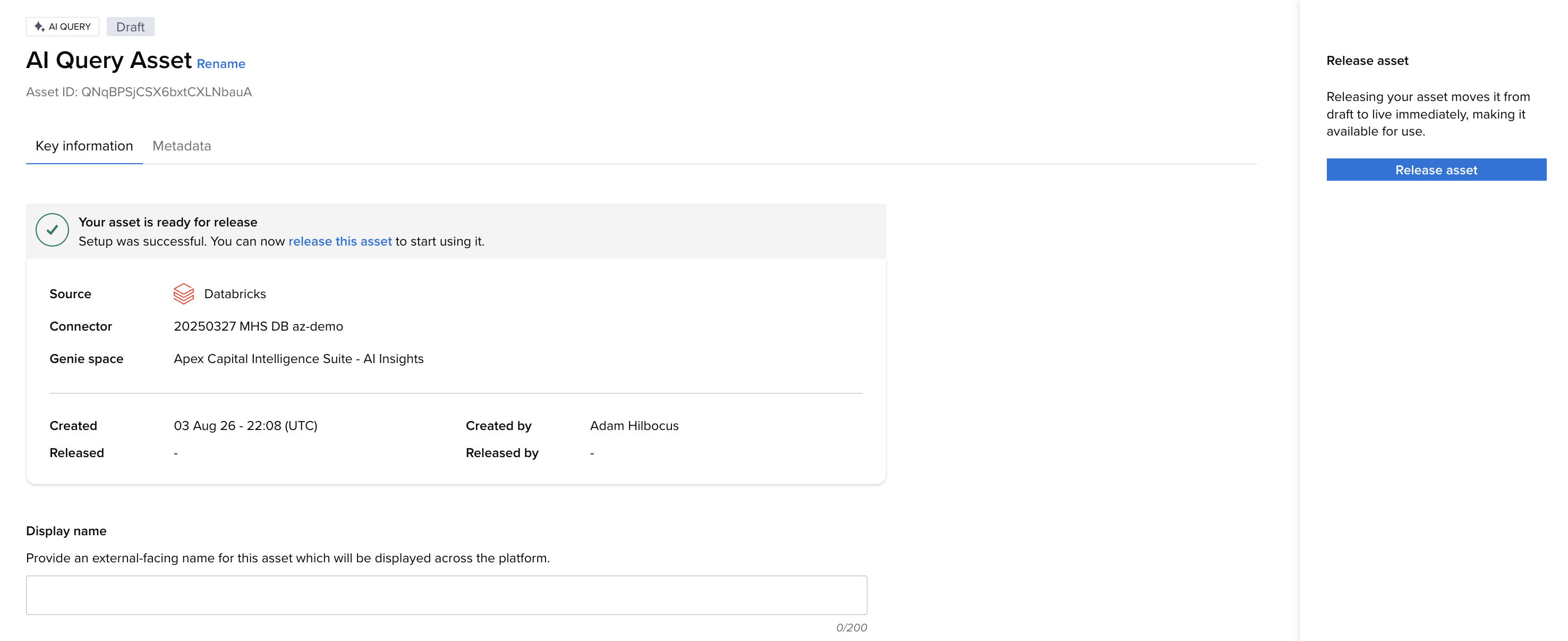
Step 1 - Create a Databricks, PowerBI or Snowflake connector (if one doesn't already exist) pointing to where your Agent is configured. For user guidance on how to create a new connector, please see Create a Connector.
Step 2 - Start the asset creation process and select AI Query as the asset type.
Step 3 - Select the connector type (Databricks for Genie, Power BI for Fabric or Snowflake for Cortex)
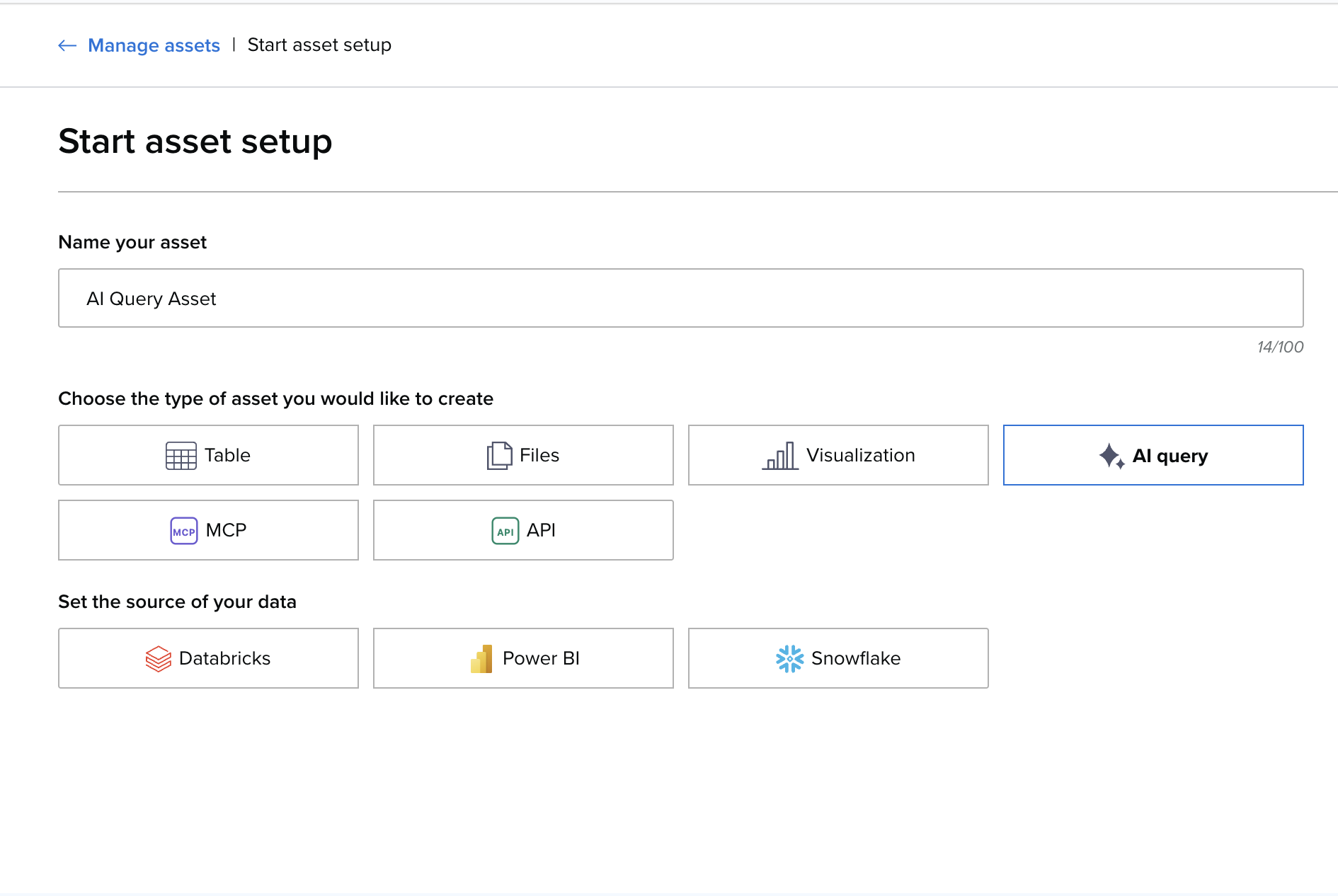
Step 4 - Choose the connector that points to your AI Query Asset from the dropdown.
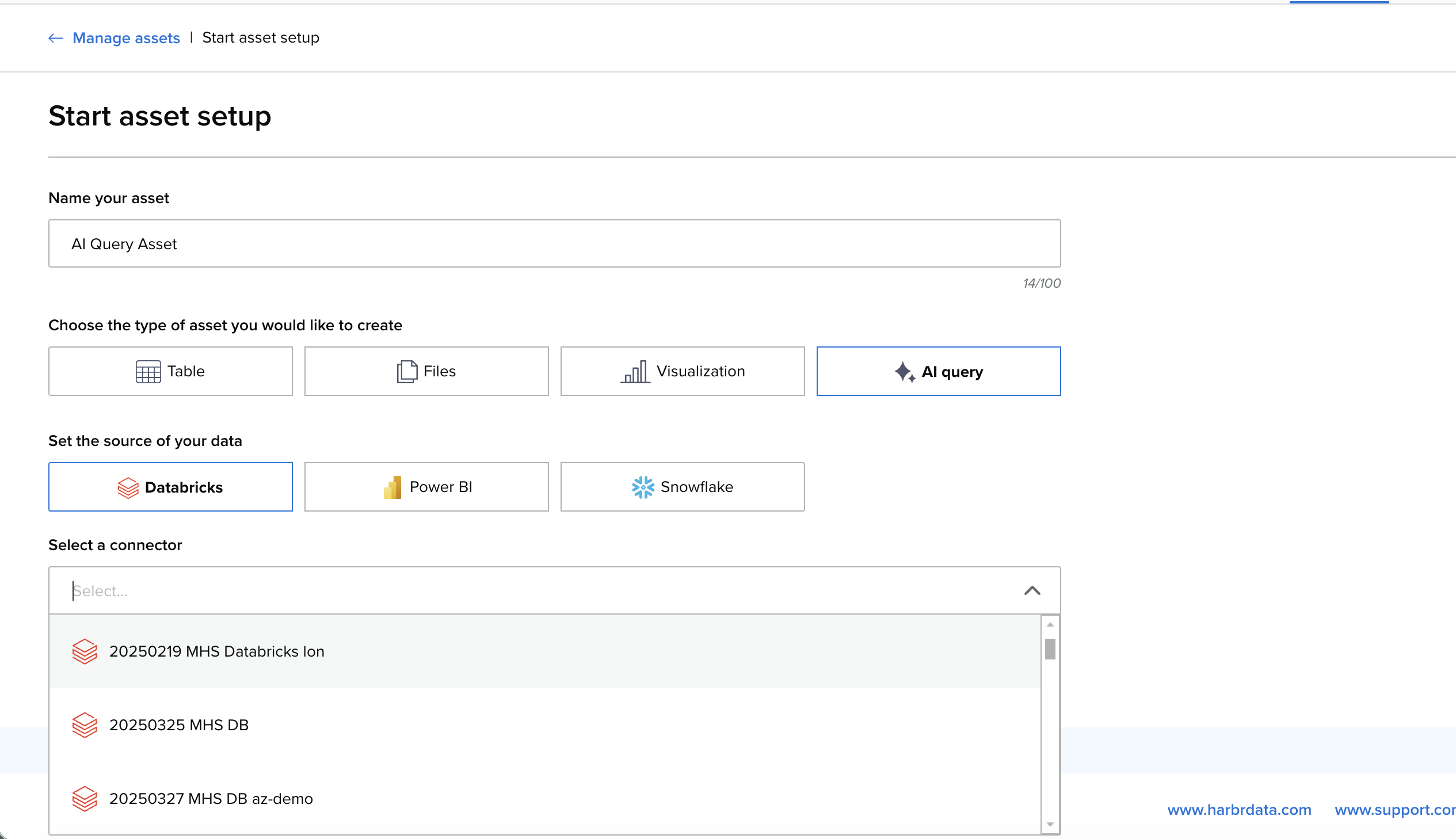
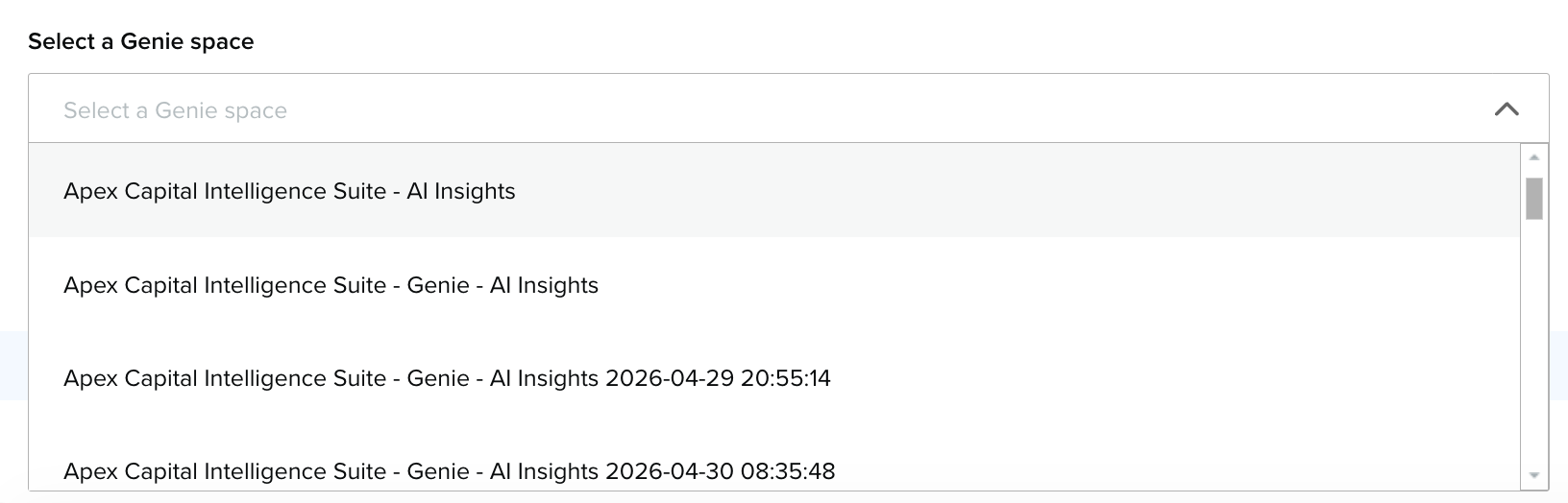
Step 5 - Select the specific Agent you want to expose, from the dropdown.
Step 6 - Select “Start Set Up” and finish the asset create journey.
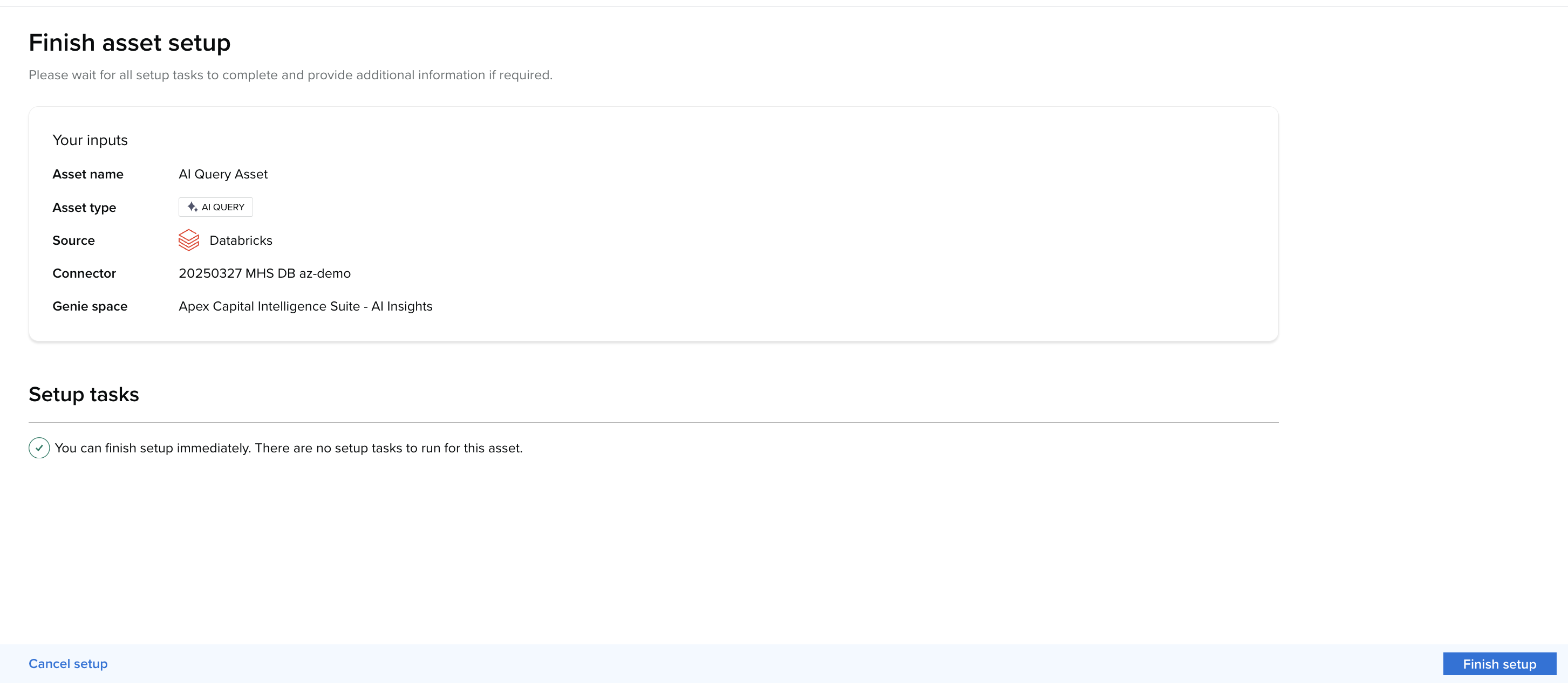
Step 7 - Release the AI Query asset.
Consuming an AI Query asset
Consumers with access to the asset, or are subscribed to a product that contains the AI Query asset (with the Access usage type) can ask questions in natural language via a chat interface, all without leaving the Harbr Platform. You can open the AI Query asset place from:
-
The product page
-
My Collection
-
Home pages (if configured by your platform operator)
-
Via the Harbr MCP. See Using The Harbr MCP
Answers are returned as text and tables. The conversation is retained for the duration that the tab is open and the user is signed in. The session can be closed and be cleared to start again — there is no server-side conversation history.
Every question is proxied through Harbr using the connector's identity, so no consumer accesses the source directly, and each question is recorded for usage and cost visibility.
Note: If the underlying Agent becomes unreachable for whatever reason, consumers will be shown an error message when they try to open or query the asset.
AI Query is an AI feature, AI can make mistakes. Please check the responses.